Know what the week made
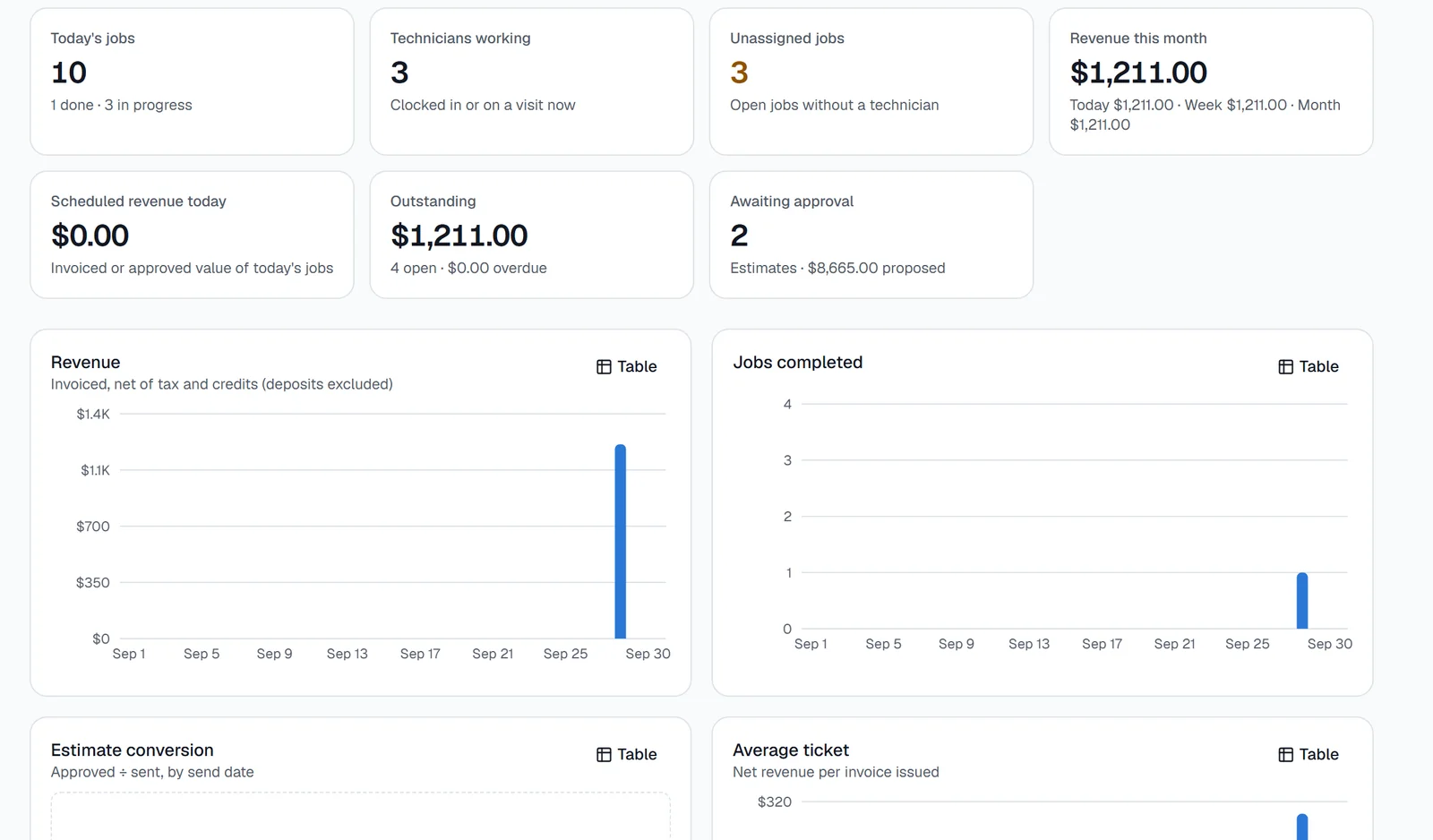
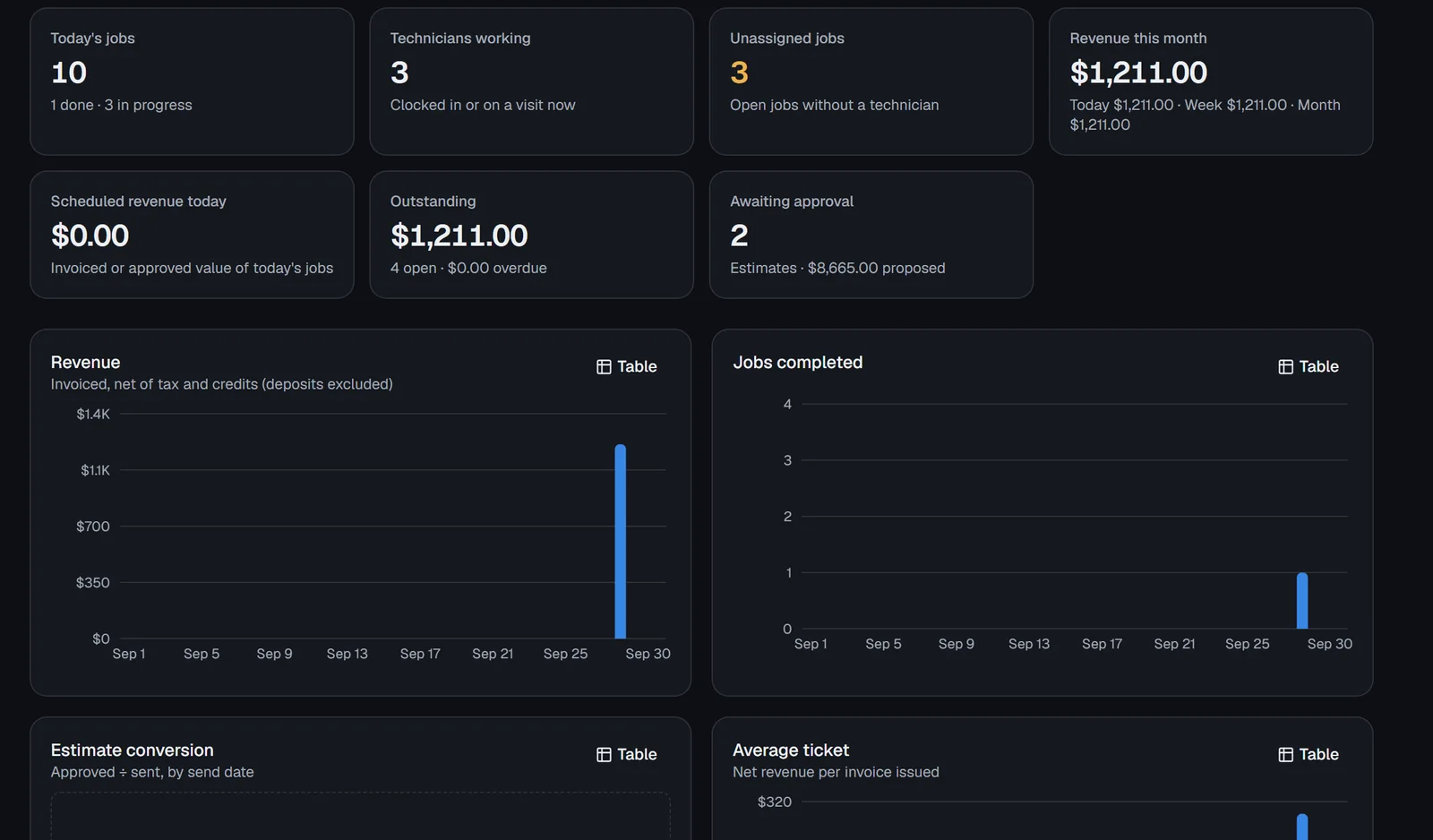
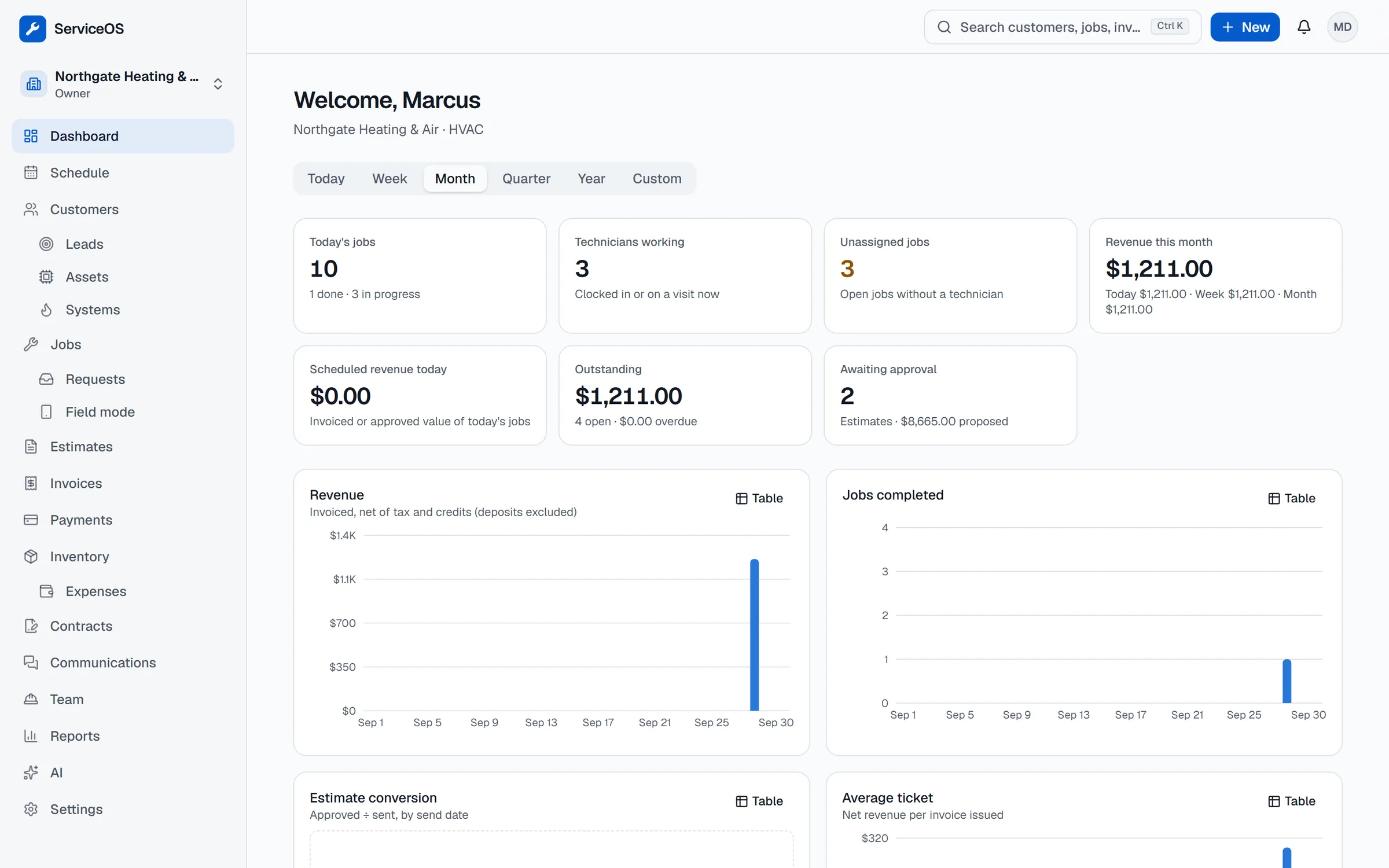
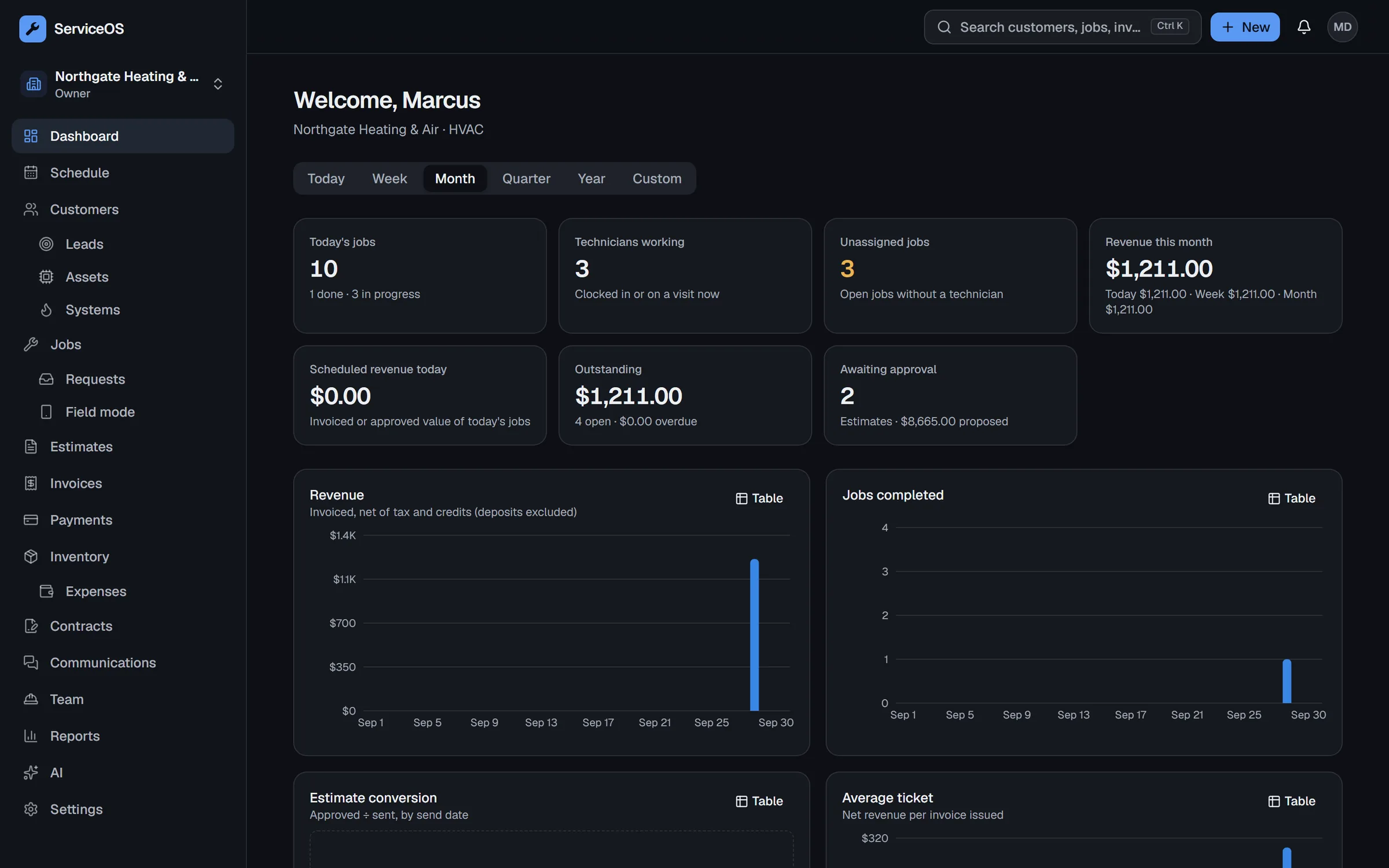
Revenue, jobs completed, estimate conversion and average ticket, by day, week, quarter or year.
Plumbing, HVAC, electrical, fire and security
Scheduling, dispatch, a field app your techs will use, estimates customers sign, and invoices that get paid online.
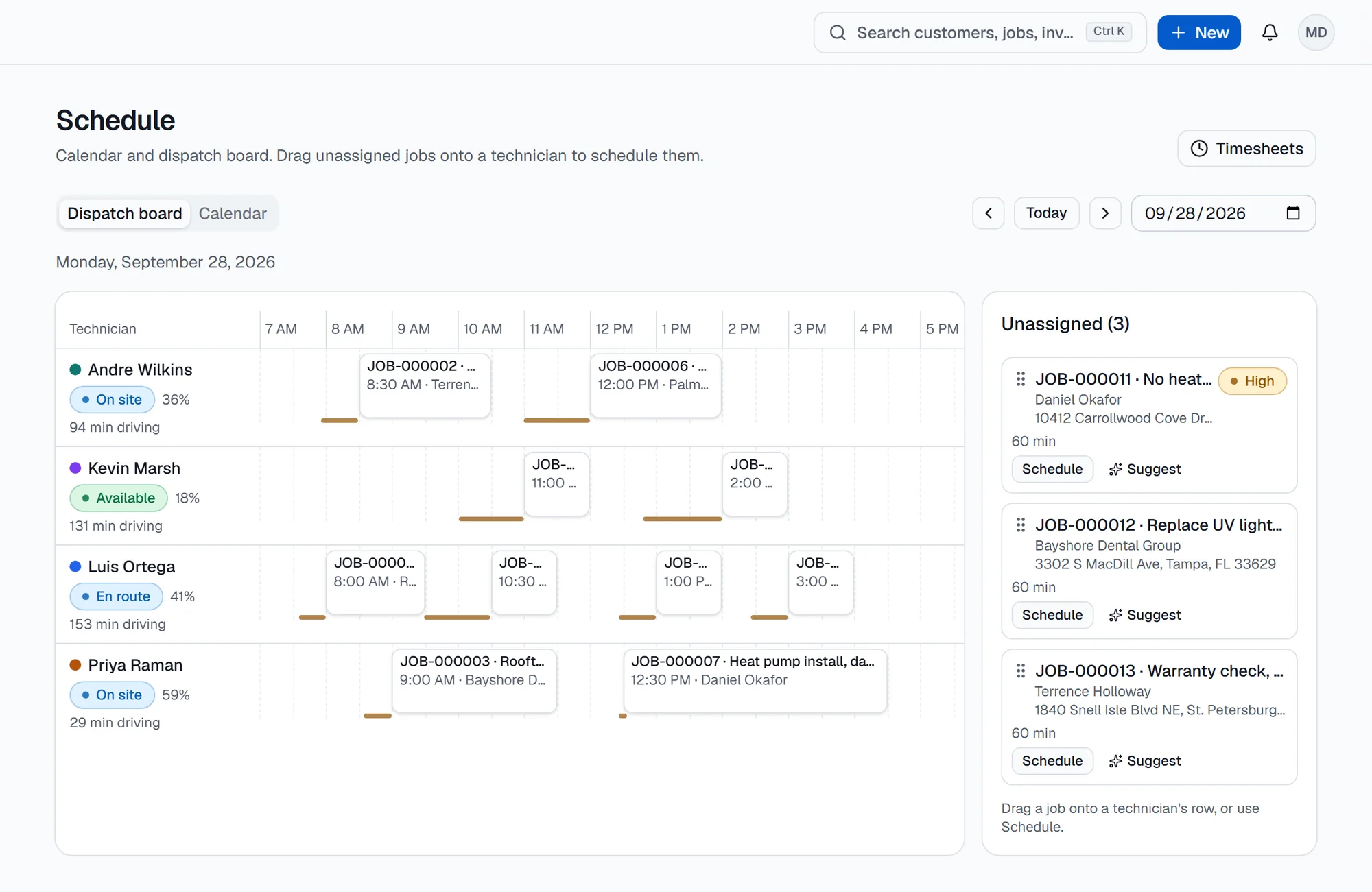
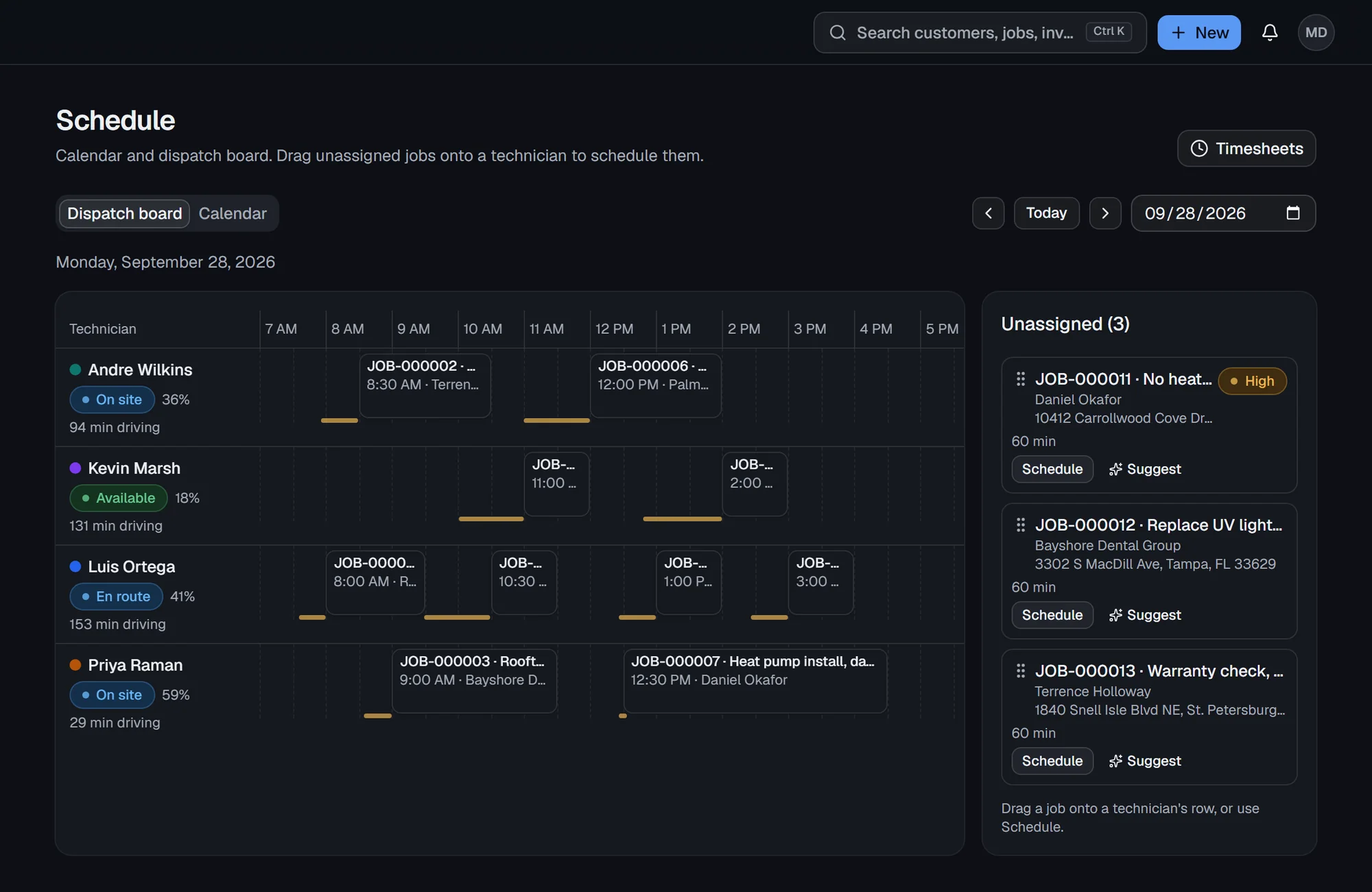
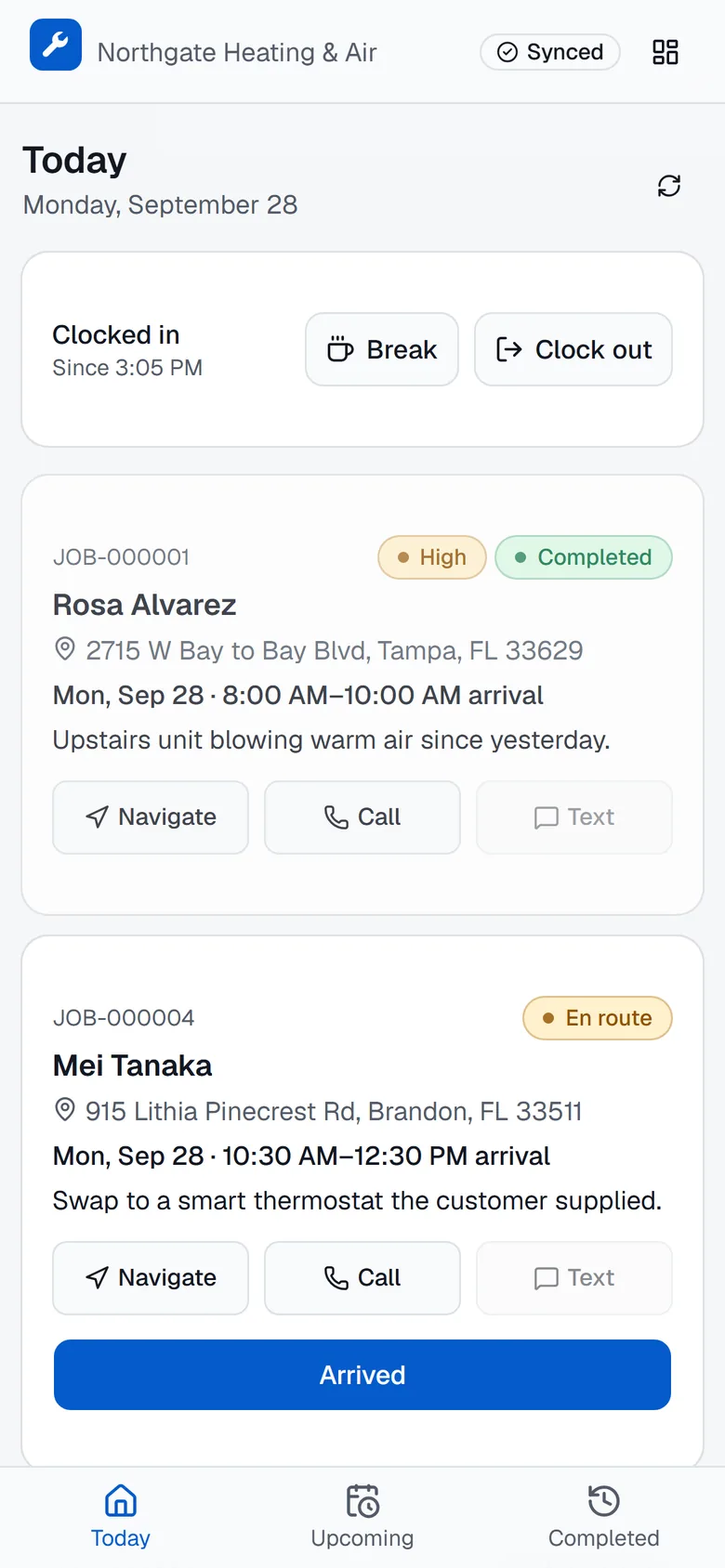
Move a visit on the board and it is on the tech's phone. En route, on site and done come back without a phone call.
Take the call, add the customer and service address, and open the job while they are still on the line.
Drag it onto a technician's row. The board shows who is free and how far each tech has to drive.
The tech clocks in, marks en route and arrived, and adds notes, photos and materials from the phone.
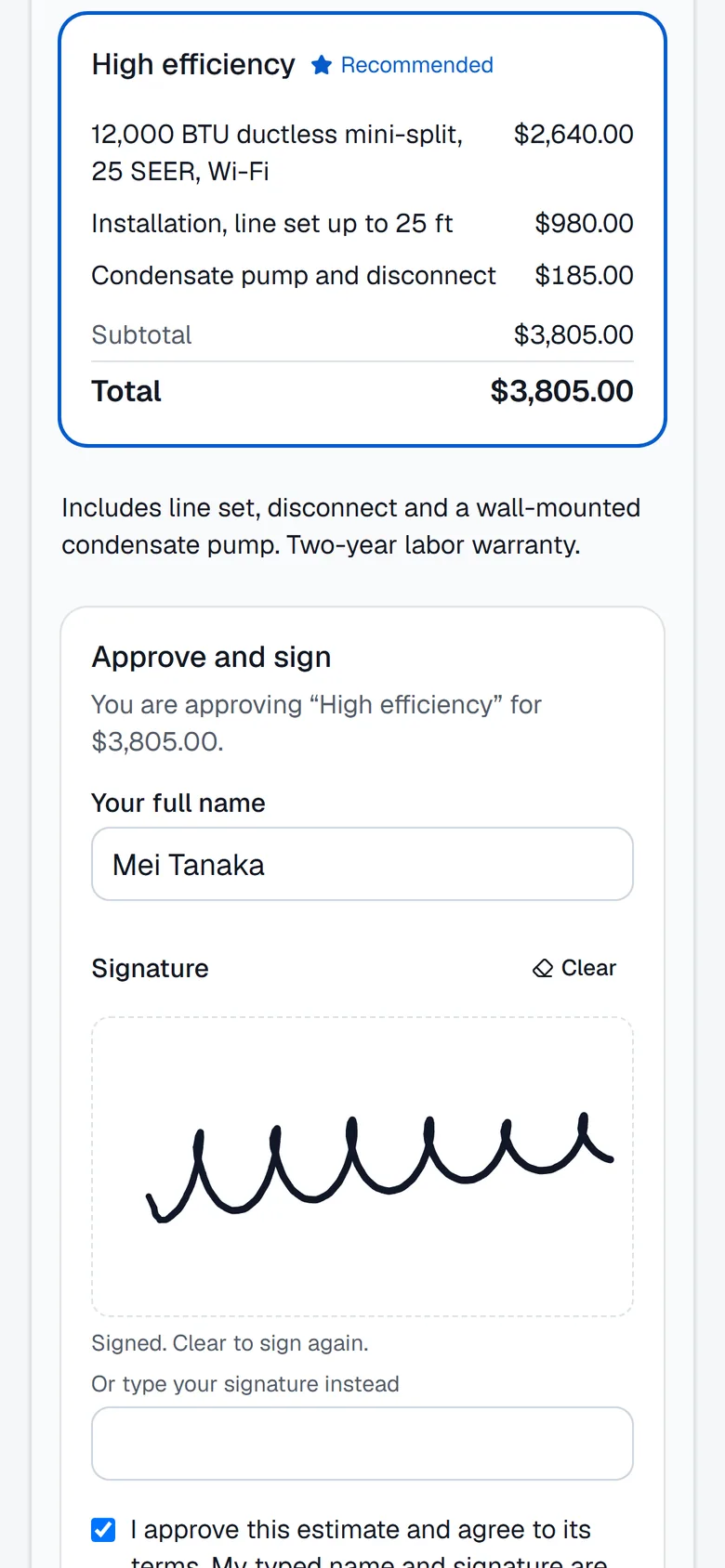
Send good, better and best options. The customer picks one and signs on their own phone.
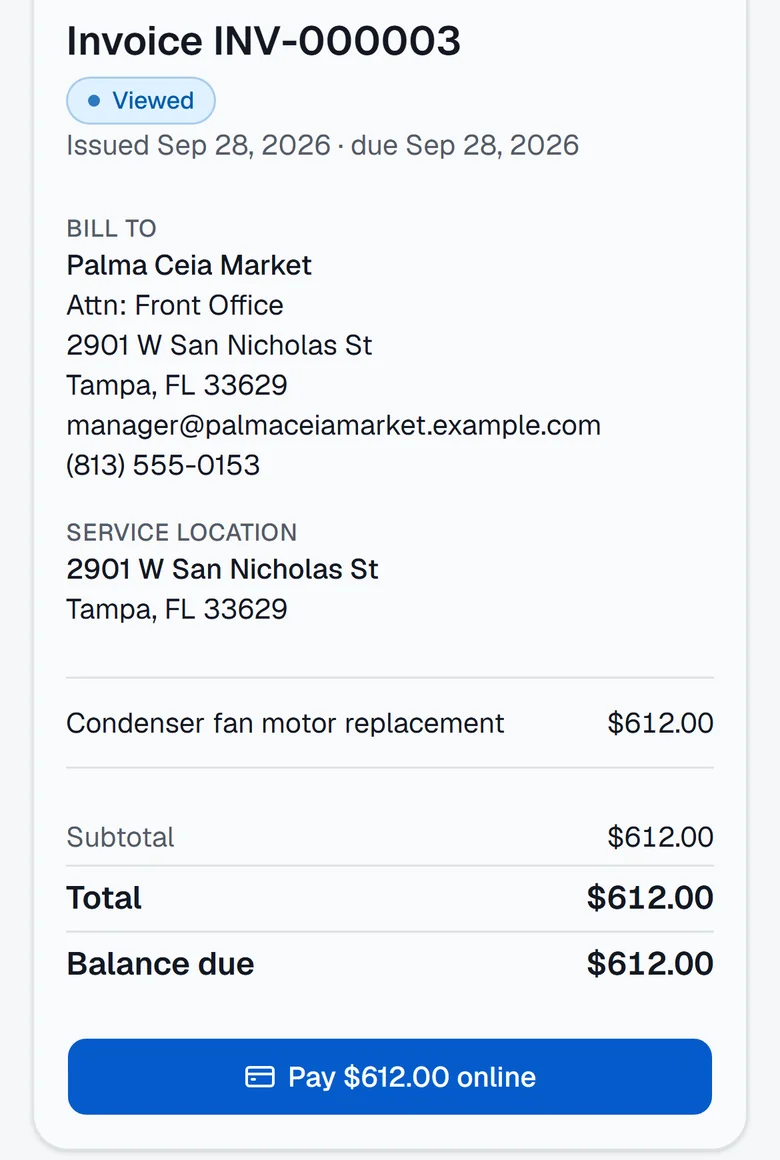
Turn the job into an invoice and take a card on site, by payment link or in the customer portal.
Revenue, jobs completed, estimate conversion and average ticket, by day, week, quarter or year.
Take a card on site, send a pay link by text or email, and give customers a portal with every invoice.
Maintenance agreements create their own visits on schedule, and memberships bill automatically.
Stock by warehouse and vehicle, purchase orders, and the materials used on each job.
Automations send the reminder or the text when something happens on a job. AI assist answers questions about your business and drafts actions you confirm.
14 days free, no card needed. Set up your business in three steps, then invite your techs.